I added a few handwritten pages to my lecture notes, and I was able to refer to them easily before the update. Now the notes are divided into two parts — the original note and the "Default Canvas" — and it causes me significant inconvenience. Why mess up my notes and cause me so much trouble?
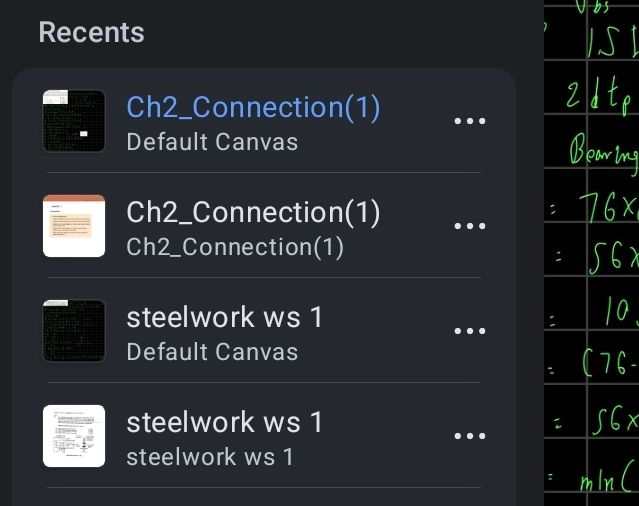
Also, the AI just changes the names of my PDFs arbitrarily after I import them. Why can't I just import my PDFs with their original names by default?
Why force users to update?
Why deprive your users of the freedom to choose whether to update or not?
I am a paid user.
Why can't I just disable the useless AI functions?